
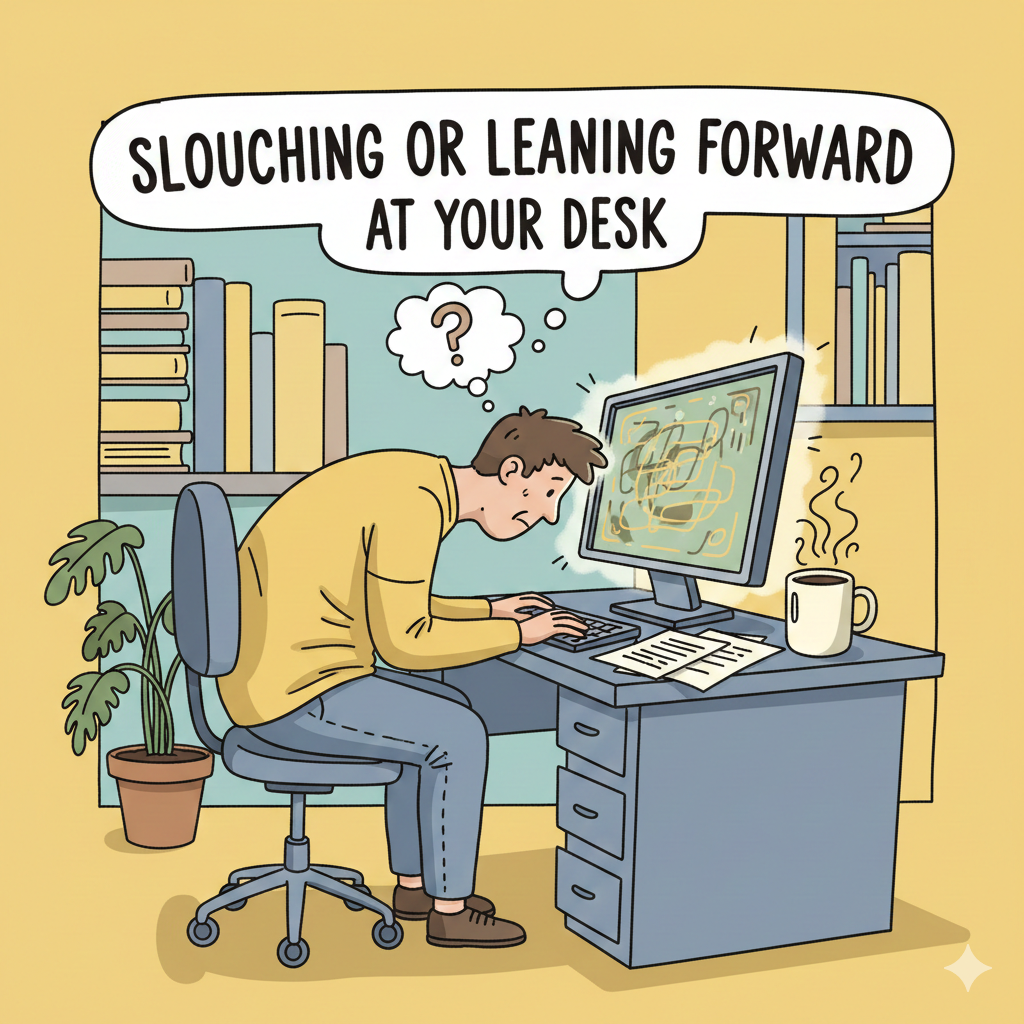

If you spend a lot of time sitting at a desk or rotating between sitting and standing as you work, you may start to have neck and shoulder aches every day. Many individuals blame long hours at work, stress, or getting older, but bad desk posture is often to blame.
Over time, small faults in posture, such as slouching, leaning forward, or sitting at the improper height, can put too much strain on the neck and shoulders. The positive news is you don’t need to buy expensive equipment or make big modifications to fix your workstation sitting and standing posture. It starts with figuring out what you’re doing incorrectly and how to sit at your work in a way that is beneficial for your body.
The way you sit at your desk is more important than you may realize.
Your neck and shoulders aren’t meant to hold your head up for long periods of time when it’s forward or collapsed. When you set up your workplace in a way that makes you sit up straight, the muscles in your neck and upper back are always tense. This causes pain, stiffness, headaches, and eventually long-term agony.
Proper workstation posture helps your body weight spread out evenly, keeps your spine in a neutral position, and eases strain on your muscles and joints. It’s important to sit at your desk correctly for long-term comfort and productivity, whether you’re using a laptop or a full workstation.
Why Desk Posture Matters More Than You Think

Slouching or leaning forward when at your desk
Slouching is one of the most prevalent things that cause neck pain. You lose the right way to sit at your computer when your shoulders move forward and your head sticks out. This position puts too much stress on the cervical spine and makes the shoulder muscles tense.
Slouching also makes it harder to keep your computer sitting position, which makes you more worn out and uncomfortable as the day goes on.
2. Sitting too low or too high
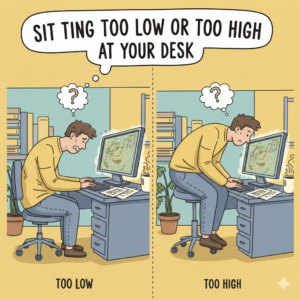
The height of your chair is quite important for the optimum way to sit at a desk. You will lean forward if your chair is too low. If it’s too high, your shoulders will rise, which will make you feel tense.
An inappropriate height makes it difficult to sit at the right desk height, which can cause poor blood flow and shoulder pain.
3. The screen is too high.
Your neck bends forward or backward to make up for the fact that your monitor is too low or too high. This is not the ideal way to sit at a computer, and by the end of the day, your neck will be tight.
One of the most important but often ignored variables in optimal computer posture is the position of your screen.
4. There is not enough support for your arms and shoulders.
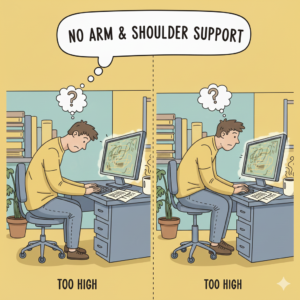
When your elbows aren’t supported, your shoulders have to stay up, which makes the upper trapezius muscles more tense. This mistake happens a lot when people sit at their desks in the wrong way, which can cause pain in the neck and shoulders.
5. Sitting still for too long
If you sit at your desk for too long, even the ideal position might hurt you. Being still makes it harder for blood to flow and makes muscles tired, which makes the neck and shoulders tight.
How to Find the Best Position for Sitting at Your Desk
1. How to set up your chair and sit in it
To get the right posture for your desk chair, start by adjusting it. Your hips should be a little higher than your knees, and your feet should be flat on the floor.
This design makes it easy to sit at your desk in a way that is good for your back and spine. The idea is to find the best desk chair position that lets your shoulders relax and your spine stay straight.
2. Where do you put your legs and feet?
Your feet should stay firmly on the ground or on a footrest. This helps you stay in the ideal position to sit at your work and keeps your lower back from getting too tense.
Some people try out a kneeling desk, which can help them stand up straight. Kneeling desks may benefit some people, but they are not the best choice for lengthy periods of time and should be used with care.
3. Ensure that your back, neck, and shoulders are properly aligned.
The backrest of the chair should support your back, and your shoulders should be relaxed and down. This position helps you sit at a desk the right way and eases neck pain.
Keep your ears in line with your shoulders, and don’t force your head forward to sit at your desk correctly.
4. Where to put your arms, keyboard, and mouse
Your elbows should be at a comfortable 90-degree angle at your sides. This configuration helps you sit correctly at your work and keeps your shoulders from rising.
If you keep your keyboard and mouse at the optimum height, you’ll have better posture while you sit at a computer and less tension in your upper body.
This section discusses common mistakes related to standing desk posture and provides solutions for correcting them.
People often say that standing desks can help with bad posture, but they can still cause problems if you don’t use them right. Many people have neck pain from using a standing desk because they lean forward or lock their knees while they are standing.
How to Set Up a Standing Desk: Right

To keep your posture right at a standing desk, keep your screen at eye level and your elbows at a 90-degree angle. You should put your weight evenly on both feet.
When you use a standing desk, you should stand with your legs slightly bent and relaxed, not stiff and immobile. A standing desk is most effective for maintaining good posture when you frequently check your alignment and take short breaks to move around.
Is it better to sit or stand for optimal posture?
There isn’t one optimum position for the whole workday. Movement and change are the keys to optimal posture at your desk. Changing between sitting and standing helps your muscles feel less tired and improves blood flow.
Keeping a clean workstation When you sit and stand, make sure your neck and shoulders are in the right position. This will help them heal throughout the day.
Daily Routines That Help Keep Your Desk Posture Right
Every 30 to 45 minutes, take a little pause to fix your posture.
Gently stretch your shoulders and neck.
Change the way you sit at your desk during the day.
Pay attention to how you sit at your desk when you’re working vigorously.
These little things help you remember how to sit at a desk correctly and keep you from being uncomfortable for a long time.
Final Thoughts
Neck and shoulder pain doesn’t develop all at once; it builds up over time because of incorrect desk posture. You can greatly minimize pain and suffering by fixing how you sit at your desk, changing how you stand , and moving around more often.
It’s not about sitting correctly all day. It’s all about being mindful, finding balance, and being consistent. Make little changes today, and your neck and shoulders will feel better tomorrow.
want to read more articles : Neck Pain Articles



Pingback: Tech Neck Exercises: How to Relieve Neck Pain Caused by Phone & Laptop Use - alignedliving.blog